LHS Search Agents


Overview
Two distinct Search Agents have been implemented; the LHS Acrive Search and the Vintage History Book Search.
A sepearte search agent was developed to search vintage history books for general Colorado information.
Search Tool Caveats
- The search agent has very little information regarding the date of an article. If a clipping from the 1800s states the current owner of a property, for example, the AI summary will parrot that information.
- The AI summary is based on the contents of the 5-10 documents that best meet the search requirements.
- Links are embedded in the AI summary. Follow the links to verify the AI summary and seek additional context.
- The search agent does not handle images and photos. The plan is to integrate images into the photo archive.
- If the search agent stops returning results, try reloading the website in the browser and/or allow pop-ups.
- The search agent is developed on Google Cloud using Gemini.
LHS Search Agent
LHS members have created a unique and valuable collection of local history. Many of these documents are integrated into this website, while others are not. The LHS Search Agent includes website content as well as many documents that are not integrated into the website. The LHS Binders consist of scanned images such as vintage newsper clippings. Using a Google Cloud and Optical Character Recognition (OCR), the collection can now be searched not only by keywords, but also by posing questions.
Search Type & Selection
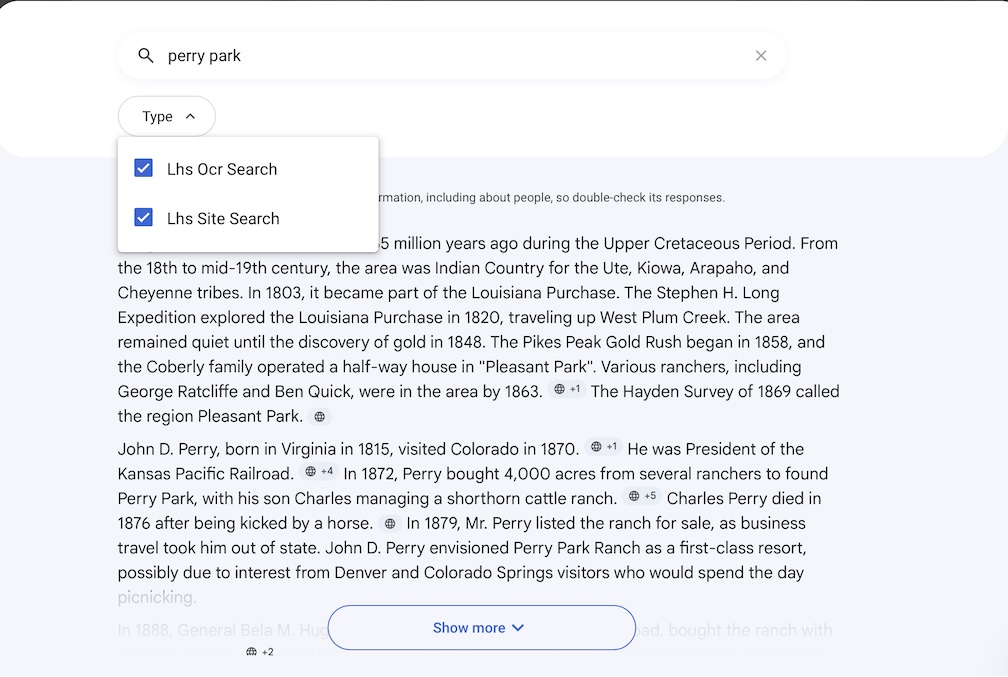
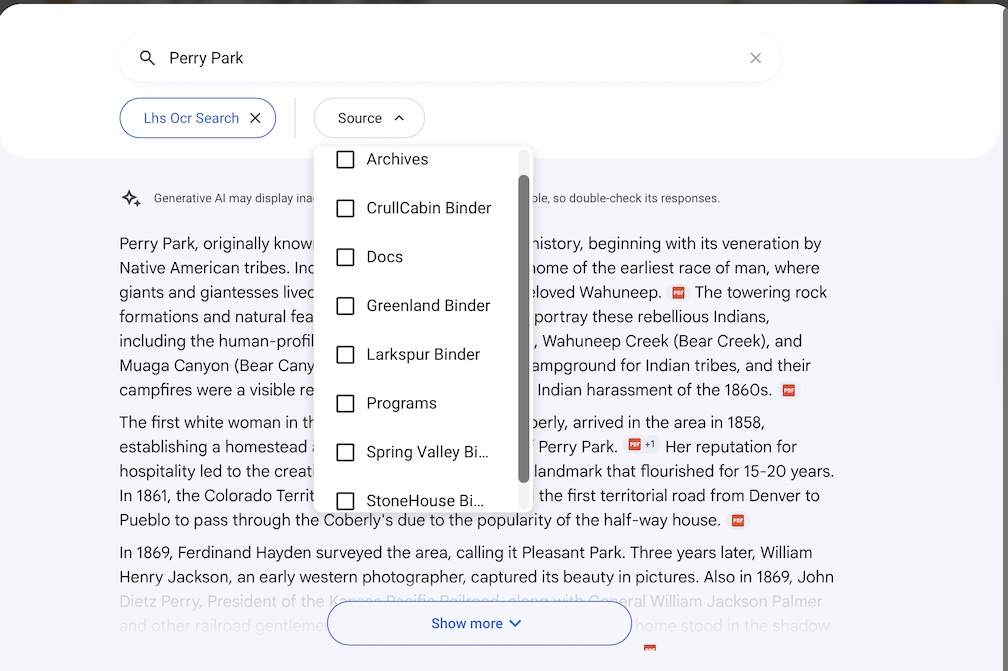
The default and most comprehensive search is to query both the LHS website and the OCR document store. The search scope may be narrowed using theType Button. If the OCR scope is selected, the document Source Button will appear, and may be used to select the source(s) as described below. Notice that the AI summary will be different, depending on the source(s) that are selected.
- Type Button: You may select LHS Site Search or LHS OCR search.
- Source Button
- Archives – LHS documents with stand-alone content
- Programs – LHS newsletters, flyers, presentations, etc.
- Larkspur Binder, Spring Valley Binder, etc- Contents of specific books in the LHS Binder Project
- Note: The Source Button may only populate if the search has made a hit on that source
Sample search questions
- Who gave a horse to AC Hunt?
- Tell me about the ownership of Sandstone Ranch
- What are Perry Park myths and legends?
- Who were the territorial governors of Colorado?
- Were there ever train wrecks near Larkspur?
- Language support: de donde sandstone ranch or ou est sandstone ranch, etc
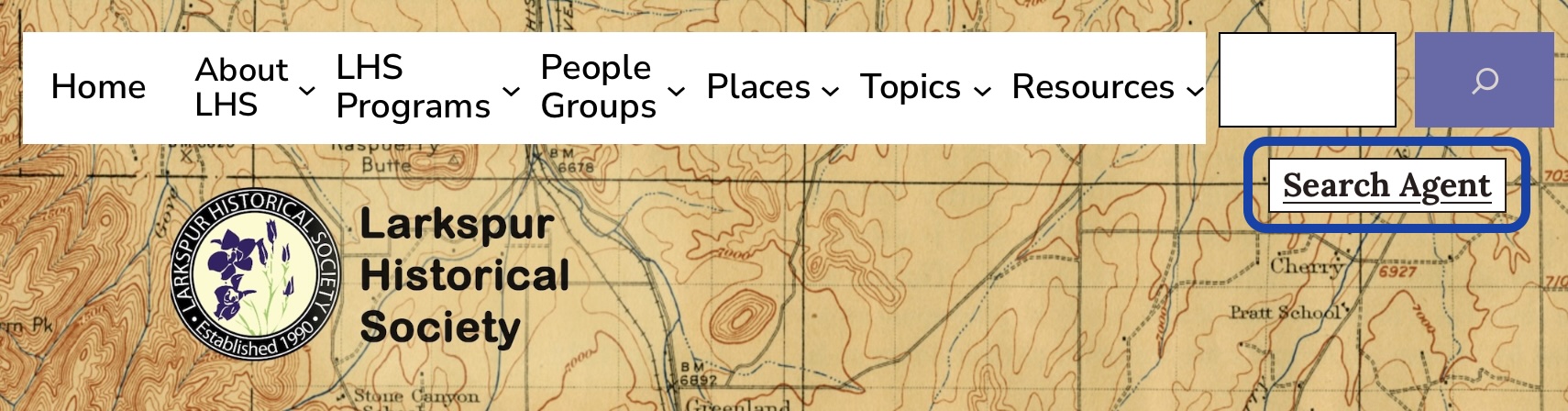
The LHS Search tool button is embedded in the header of this website, as shown in the blue box below
Colorado Vintage History Search
- 1880, History of the City of Denver, Arapahoe County, and Colorado, Vickers, W. B.
- 1888, The Crest of the Continent: A Record of a Summer’s Ramble, Ingersoll, Ernest
- 1890, History of the State of Colorado, 4 Volumes, Frank Hall (2,820 pgs).
- 1901, History of Denver, with Outlines of the Earlier History of the Rocky Mountain Country, Jerome C. Smiley (978 pgs).
- 1905, Progressive Men of Western Colorado, AW Bowen (935 pgs).
- 1909, True History of Some of the Pioneers of Colorado,Shaw (316 pgs).
- 1913, Semi-Centennial History of the State of Colorado, 2 volumes (716 pgs).
- 1918, History of Colorado, Stone, 4 volumes (2,060 pgs).
- 1927, History of Colorado, Baker, 4 volumes (3,562 pgs).
- 1934, The Real Pioneers of Colorado, McGrath, (583 pgs).
Historical Veracity
These historical sources (PDFs) reflect the vernacular and biases of the times they were written. Their historical veracity varies. According to modern historians, as summarized by Google AI:
- Vickers (1880), Bowen (1905), and McGrath (1937) are vanity “Mug Books” with uncritical biographies thate were paid to be included by individuals or their families. The veracity of Vickers is suspect, as it was funded by Denver’s early elite. McGratch is considered to have moderate veracity. These publications provide useful biographical details and historical tidbits.
- IIngersoll (1888) and Shaw (1909) are categorized as promtional literature and personal memories and are highly subjective. While factual veracity is questionable, these books provide insight into the mindsets of the times. Not dissimilar to the highly biased newspapers of the times regarding incidents such as the Sand Creek Masscre.
- Hall (1890) and Stone (1918) are rated as having high historical veracity for raw data, but also include blind spots. As former Territorial Secretary, Hall had unparalleled access to contemporaneous events and documents.
- Stone (1918) is rated as very high. He was a supreme court justice and respected legal pioneer.
- Smiley (1901, 1913) was a prominent historian and author who documented the history of Denver and the broader state of Colorado at the turn of the 20th century.
- Baker (1927) is considred the “gold standard” of the era. He was the former president of CU Boulder. The topics were written by academic experts in their fields.
Search Agent Comparison
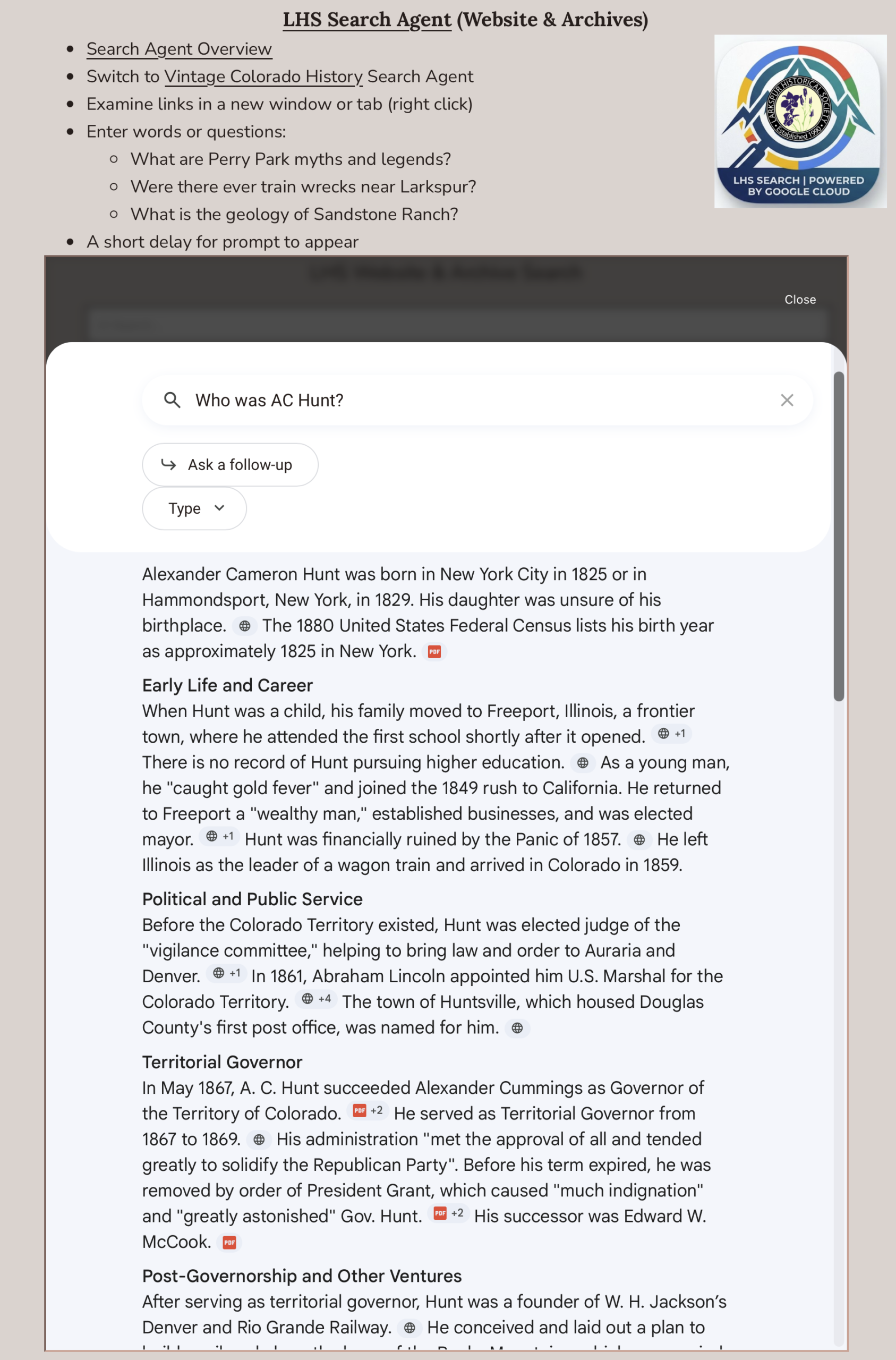
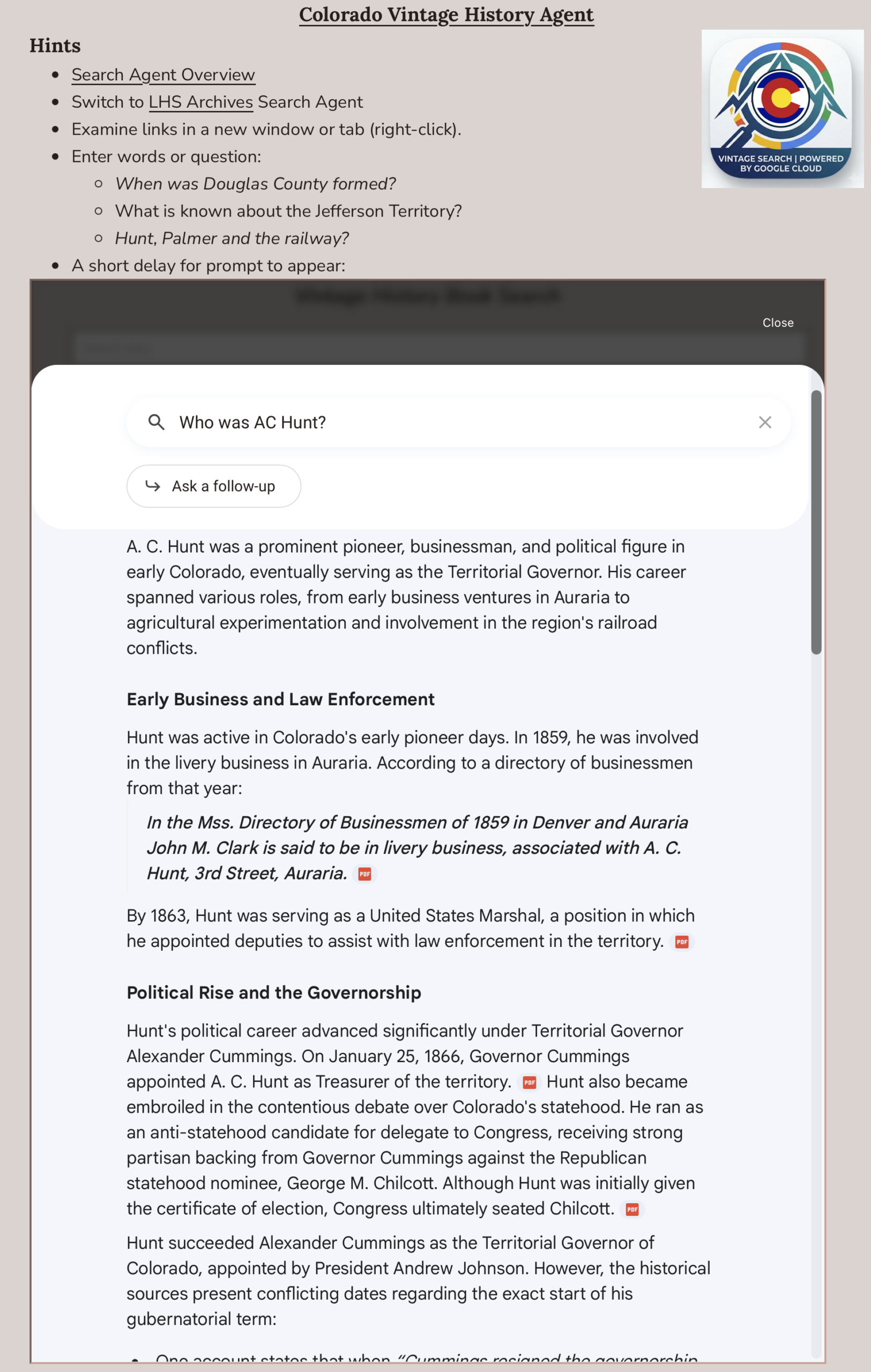
The LHS and Vintage History Search Agents return complimentary results. Here is a side-by-side comparison of the first screen of results: